
Measure a ring
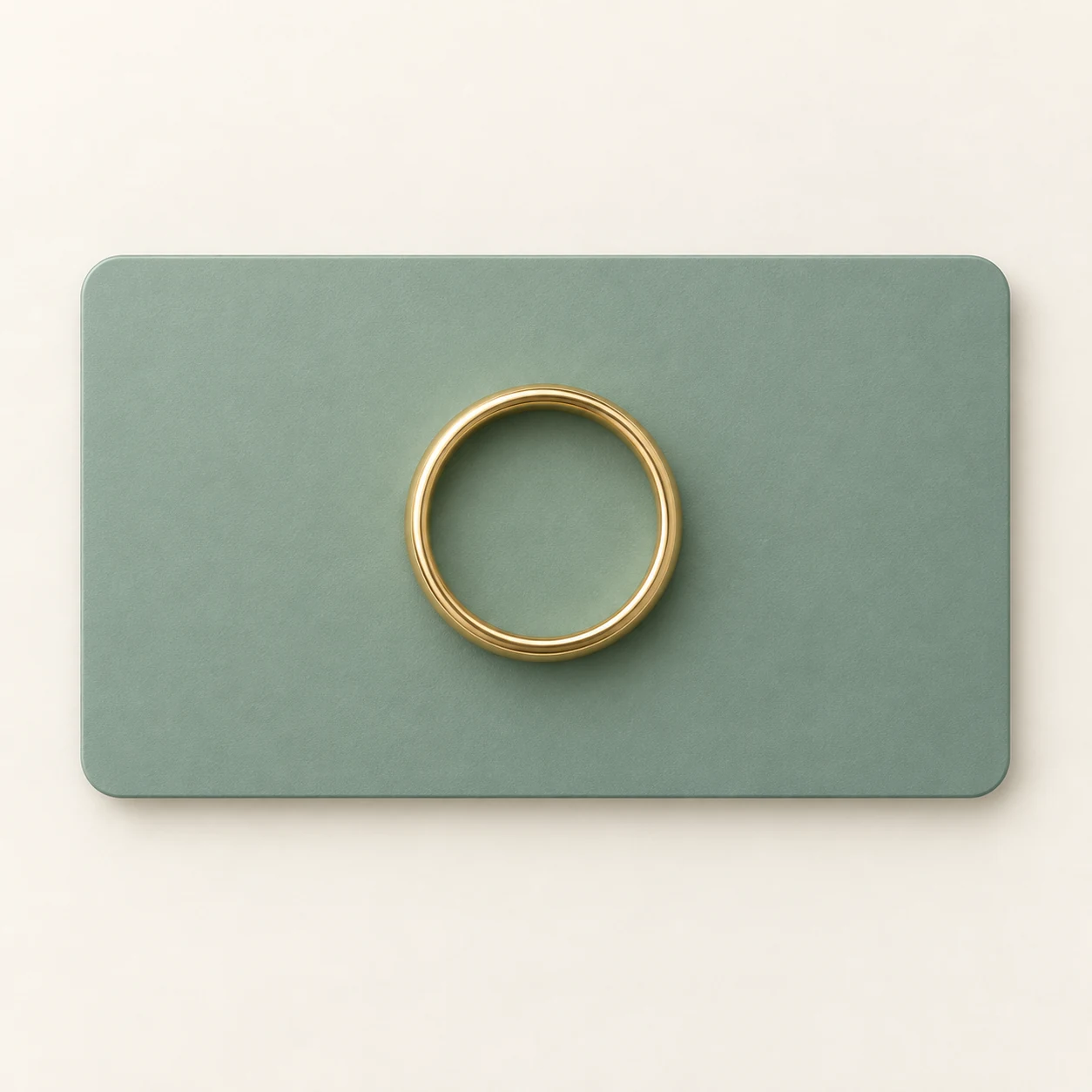
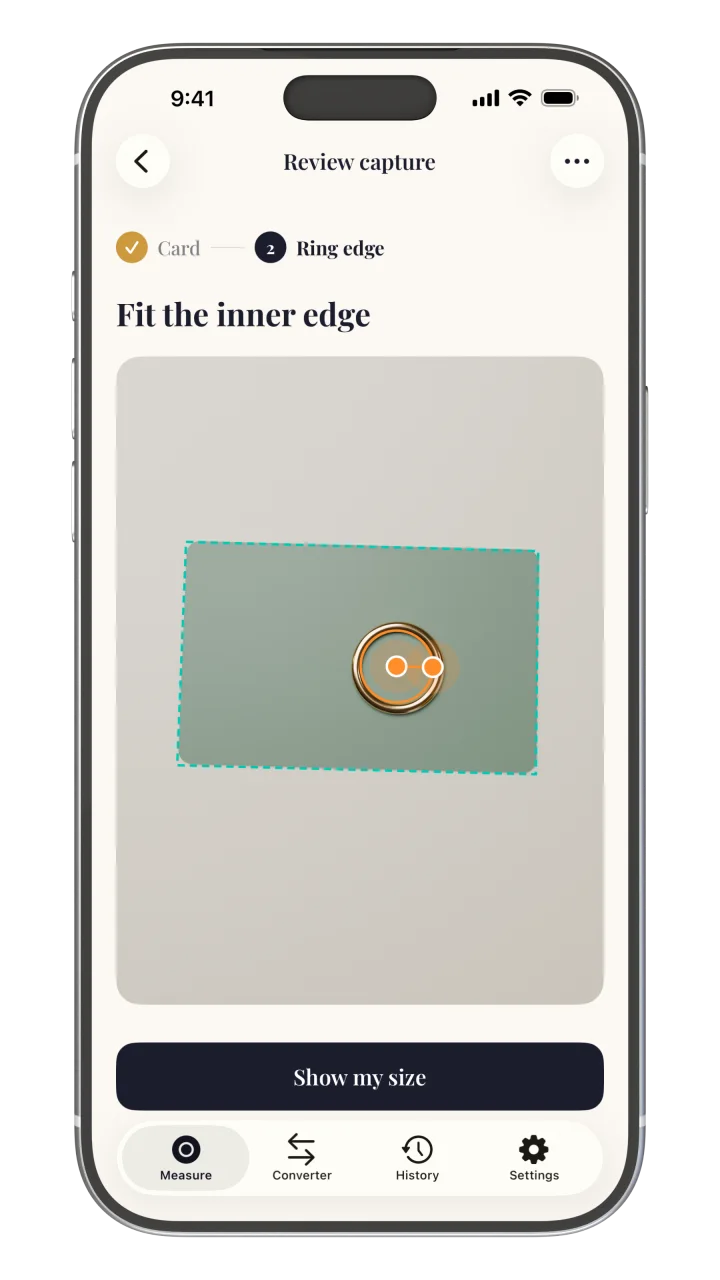
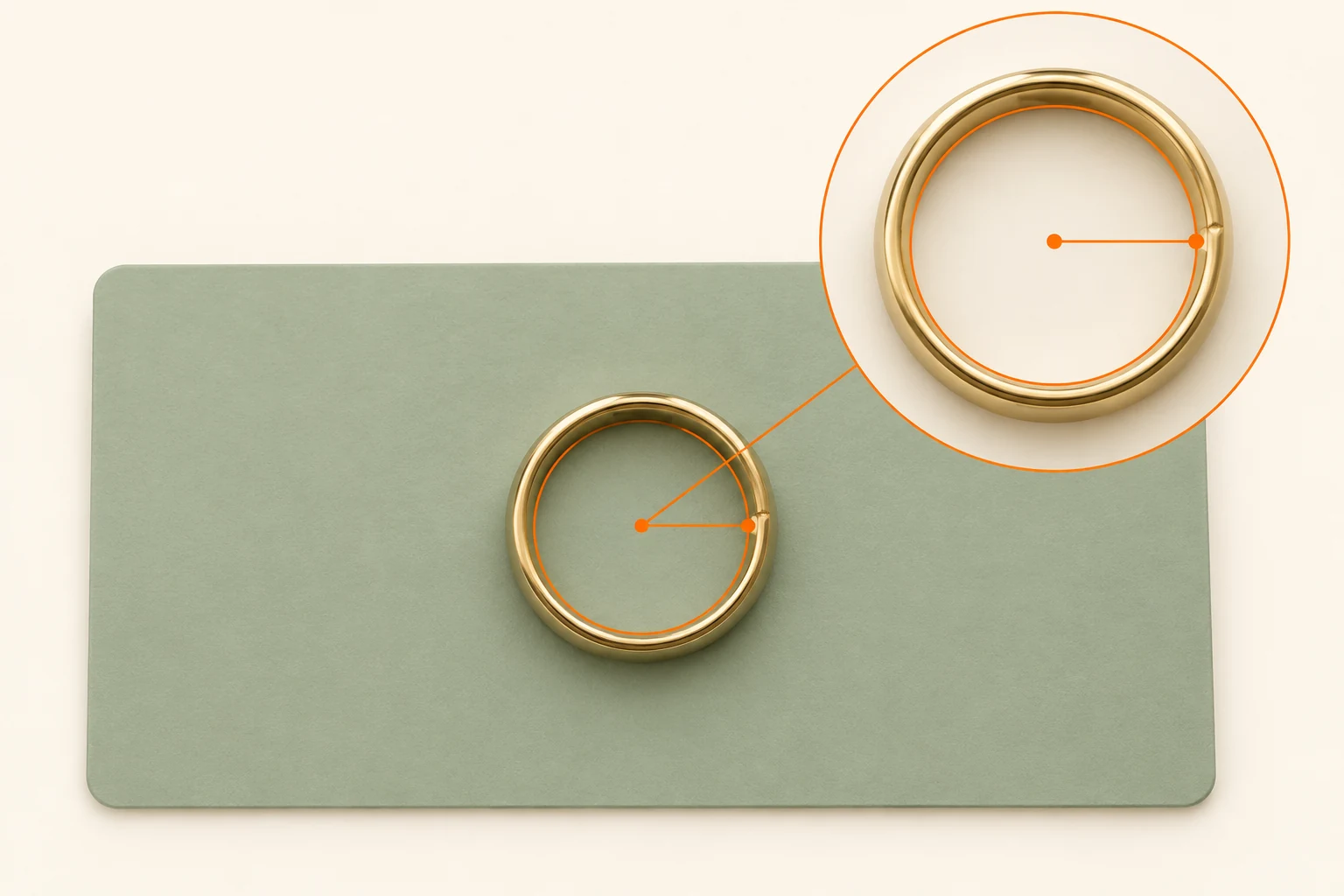
Place a ring you own on or beside the card. Fit the circle to its inner edge for the inner diameter and circumference.
Ring size camera app · iPhone & Android
Measure a ring you already own, or estimate from your finger, using any standard-sized card for scale. Check every edge yourself, then compare sizes across 15 international charts.


Free · No account · Photos stay on your phone
Two ways to measure
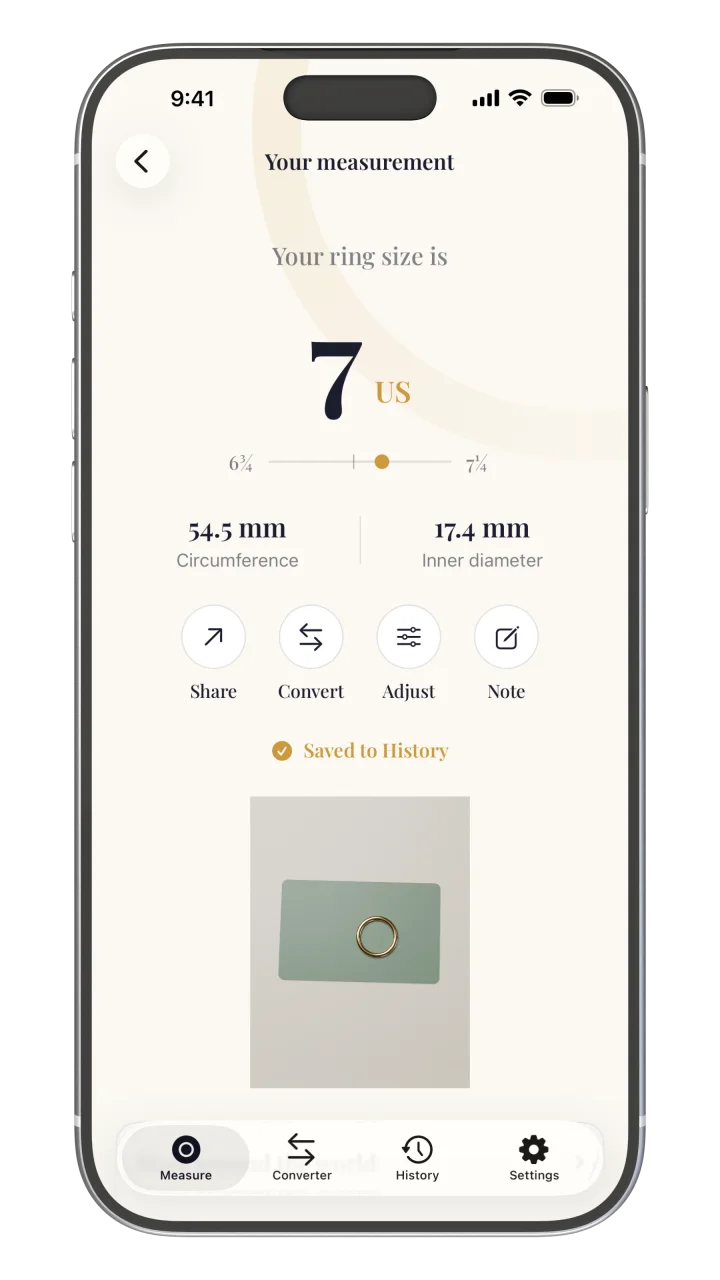
Place a ring you own on or beside the card. Fit the circle to its inner edge for the inner diameter and circumference.
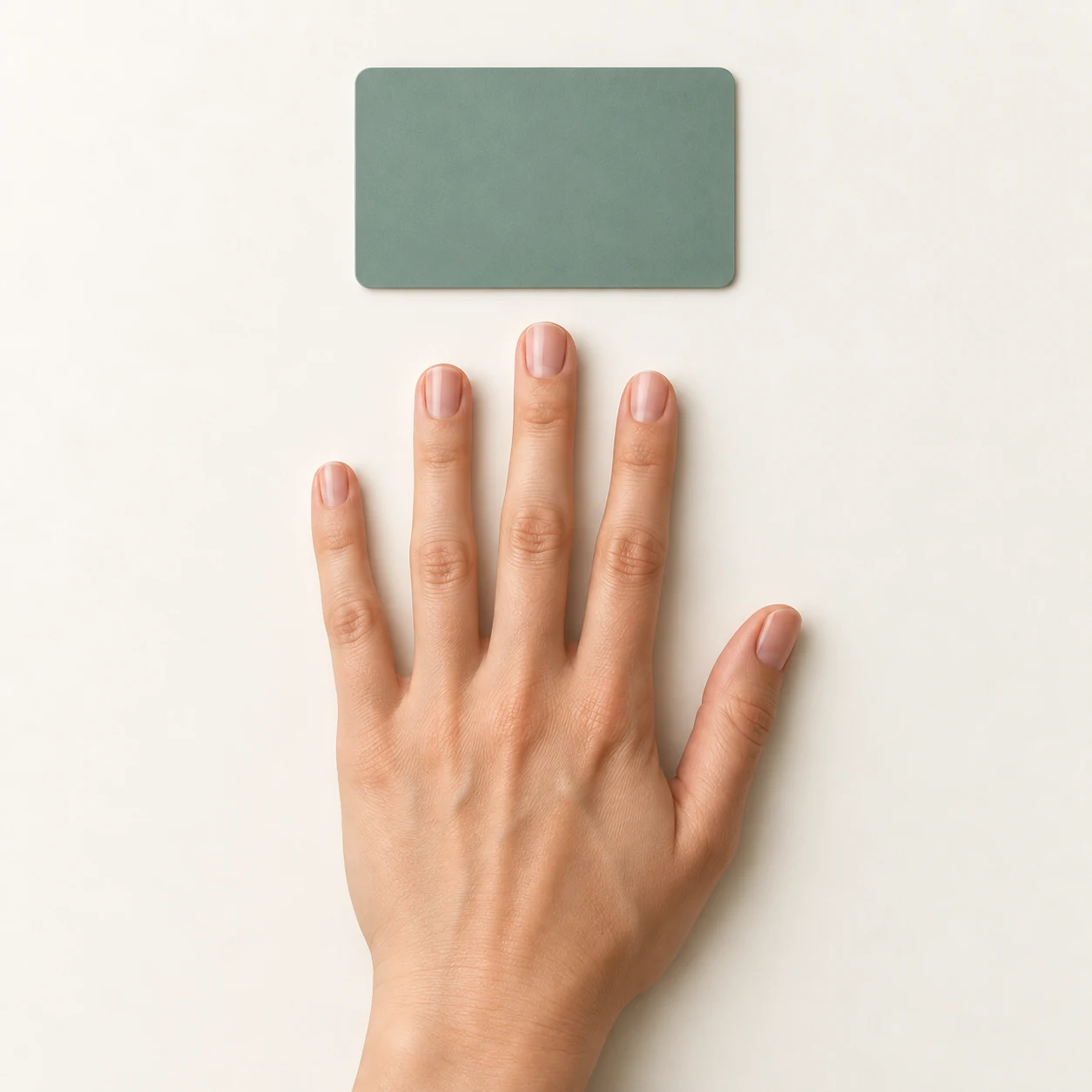
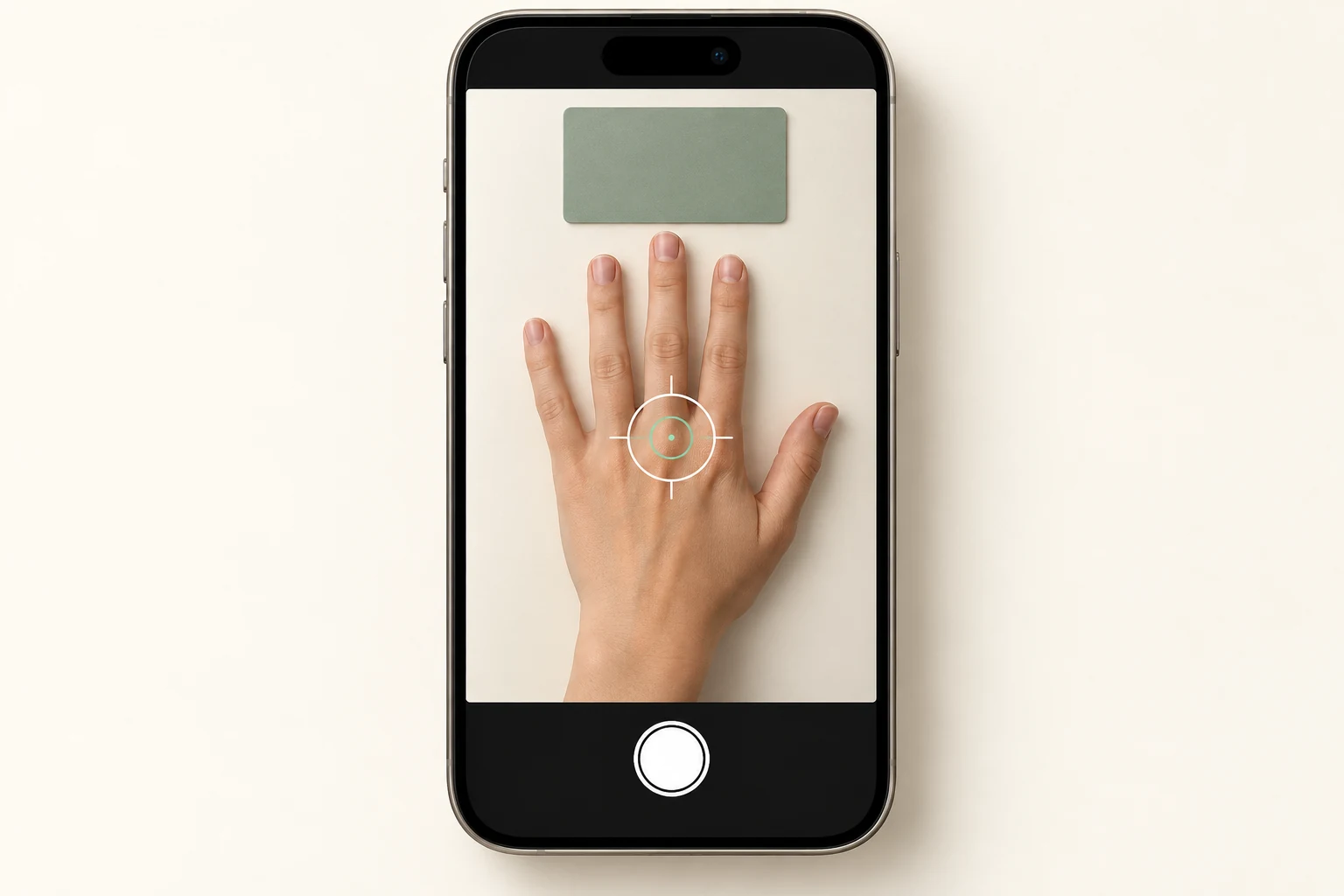
No ring to measure? Photograph your hand with the card above it, then slide the cross-section to the widest point.
How it works
Step 1
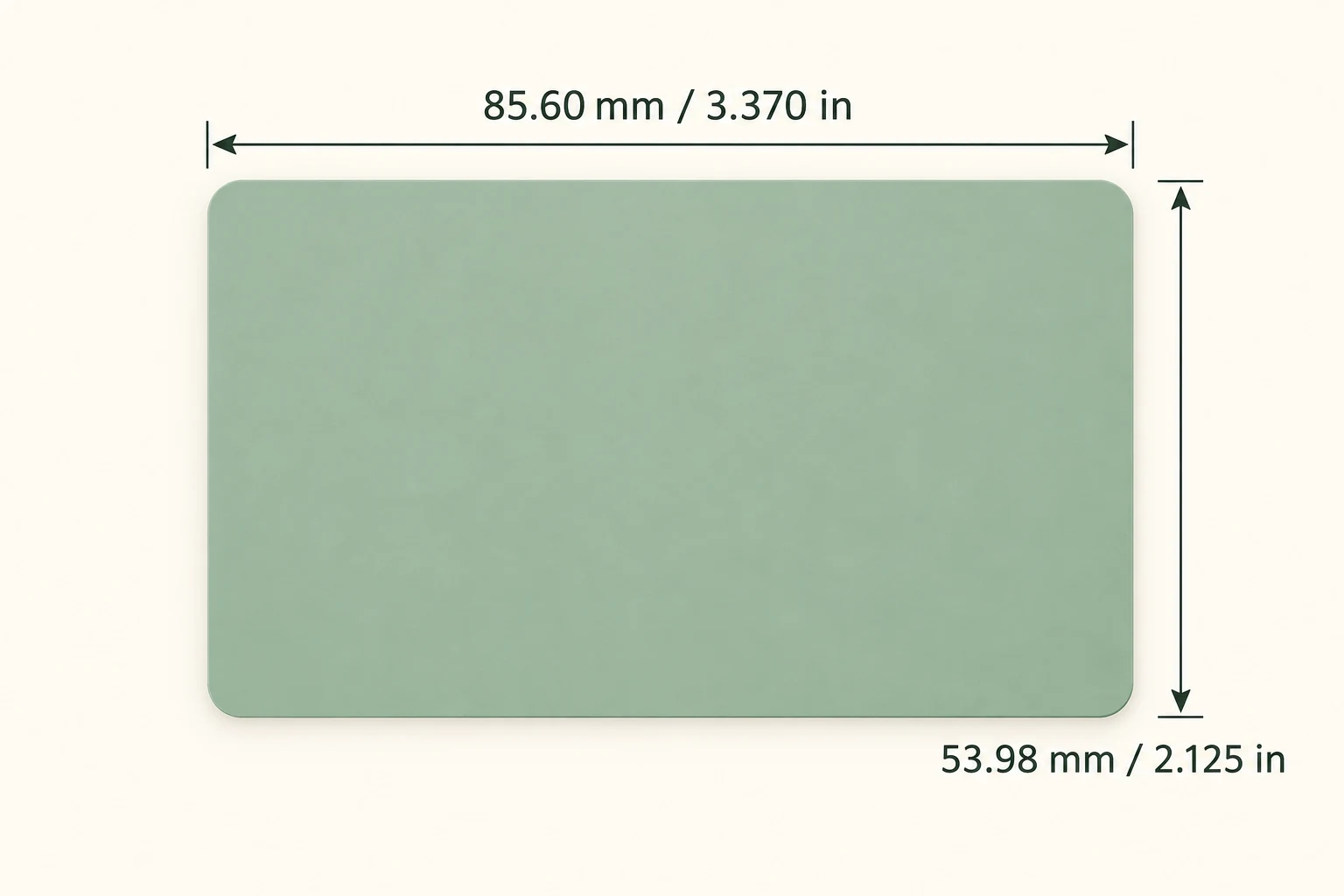
Any unbent 85.60 × 53.98 mm card works: a bank, loyalty or membership card. It sets the scale.
Step 2
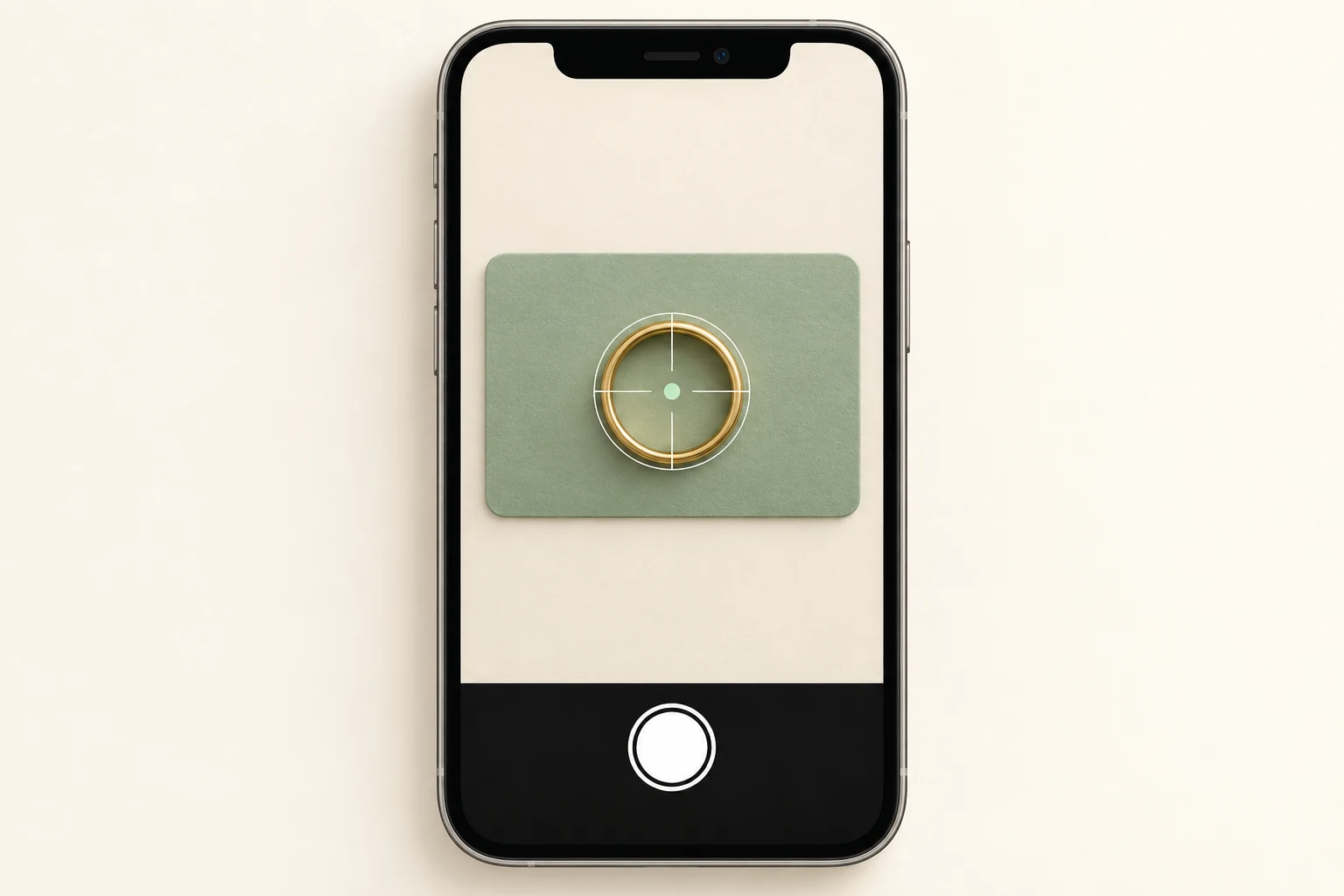
The level guide keeps the camera straight above the card. All four corners stay in view.
Step 3
Confirm the card corners and the ring or finger edges with a magnifier, then see your size.
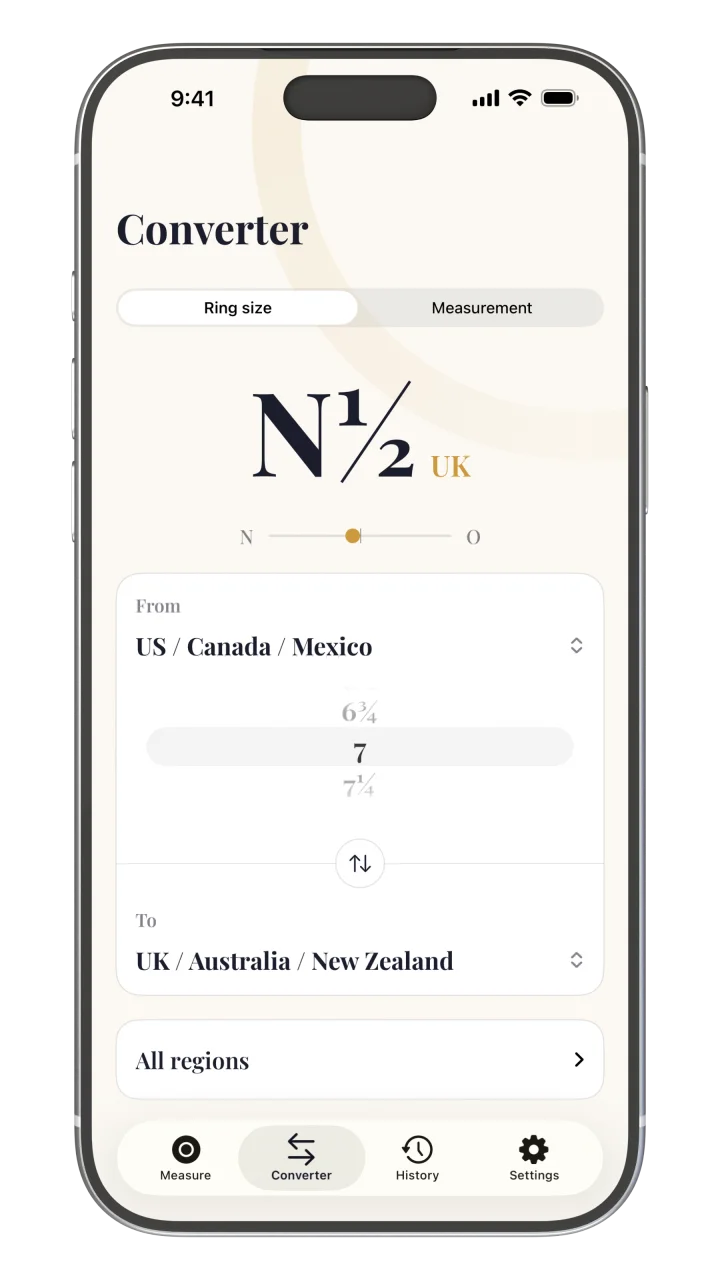
Thoughtfully made
Before you order
A photo measurement is an estimate, not a guaranteed fit.
Lighting, camera angle and card placement all affect the result, and fingers are not perfect circles. Scan a few times, and confirm with a physical ring sizer or your jeweler before buying.
Guides
From a strip of paper to your phone, the practical ways to check ring size at home, what each gets wrong, and which to use.
Read guide →A step-by-step guide to measuring ring size from a photo, using a ring you own or your finger and any standard-sized card for scale.
Read guide →Convert ring sizes between US, UK/Australia, European, Japanese and Indian systems, with inner diameter and circumference in millimeters.
Read guide →
Free on iPhone (iOS 18+) and Android (9+). No account required.